Simple GitHub Pages Jekyll website Theme
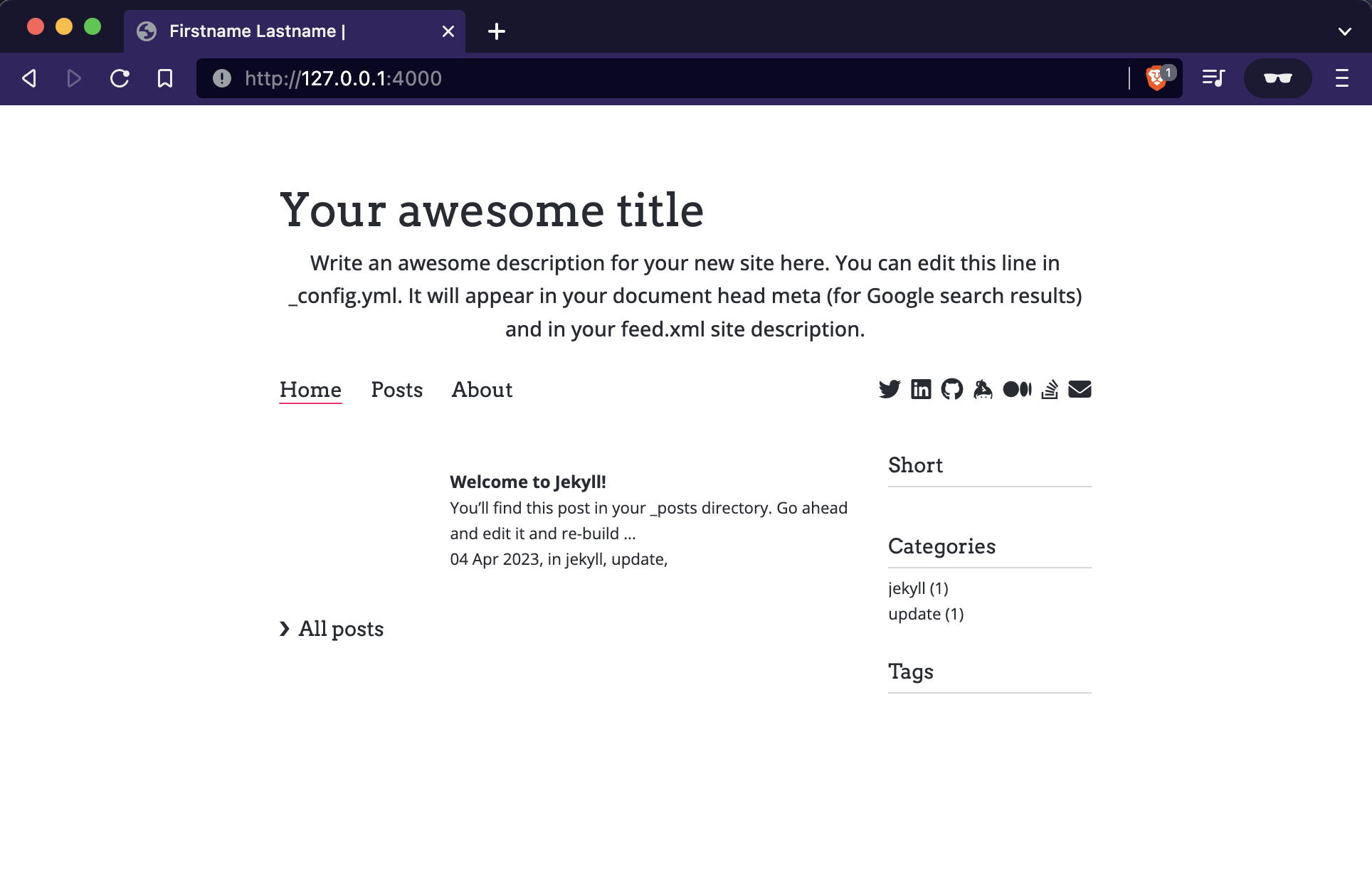
A simple Jekyll website theme, optimised for GitHub pages, a (free) Obsidian Publish alternative.
- Create your posts in Obsidian
- Deploy to your github-pages website with
script/deploy - Options for highlights, Google analytics, social icons, sitemap, categories/tags, hidden file lists.
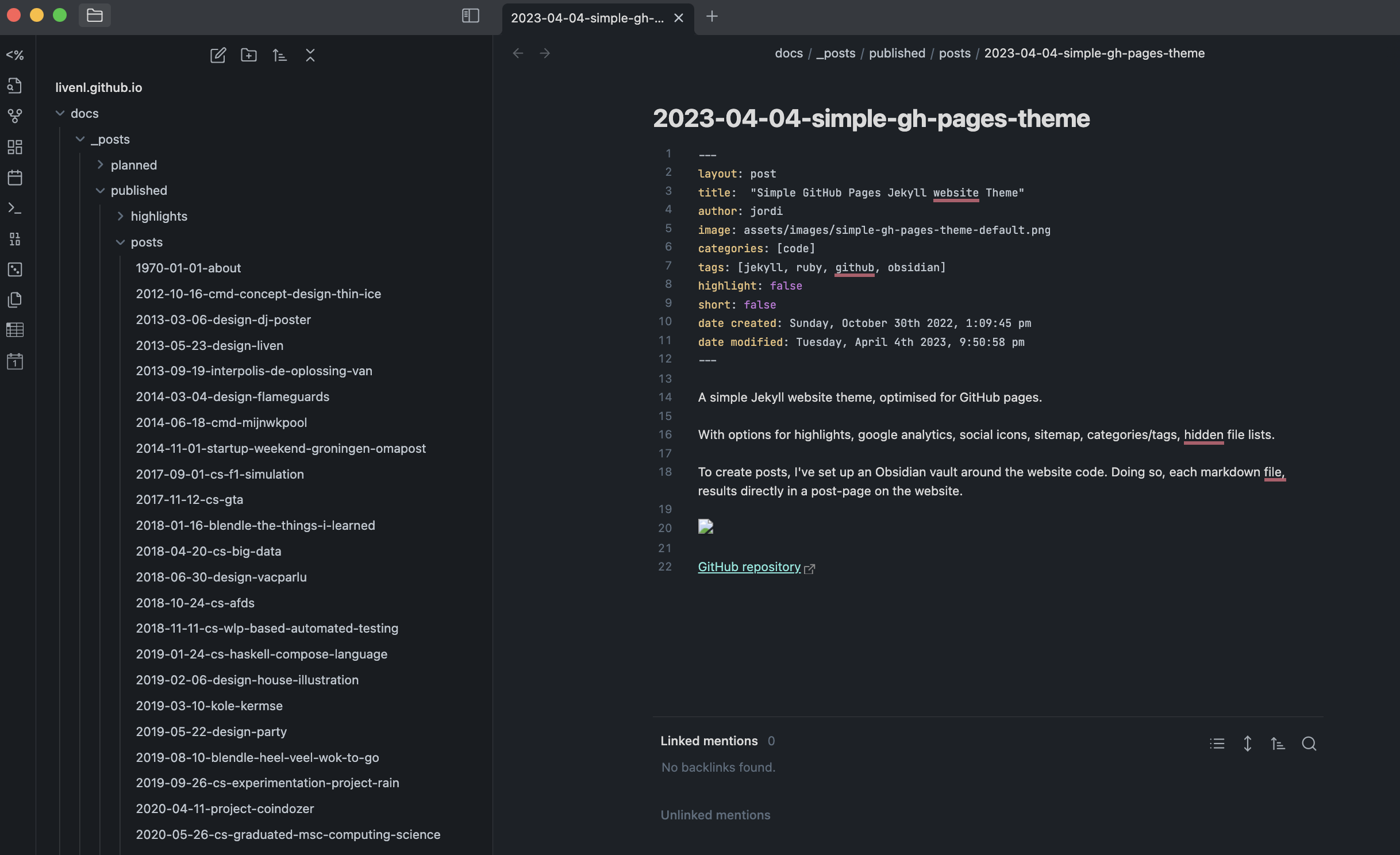
To create posts, I’ve set up an Obsidian vault around the website code. Doing so, each markdown file, results directly in a post-page on the website. Following the steps as described below or in the repository, this setup provides an alternative for Obsidian Publish.
Github Pages setup
Go to 'settings' > 'page' in your github-pages-repository.

1.  Select source: 'Deploy from a branch'
2.  Select branch: 'gh-pages' (create if non-existent)
3.  Select '/docs' as folder
4.  You can now run 'script/deploy'
GitHub repository
RubyGems listing
|
|