GTA1 in Haskell
Haskell implementation of GTA I by Kevin Wilbrink and Jordi Wippert.
Grand Theft Auto I (originally released in 1997, for MS-DOS/Windows).
|
|
GitHub repository
CS Course: Functional Programming
We wrote it between 19 October and 12 November 2017, in 207 commits and 34 merged pull requests, and it ended up as about 750 lines of Haskell.
Everyone likes to remake GTA (and GTA VI is almost here now). With a bird’s-eye view and only a few ways to move, it seemed the perfect game to rebuild in Haskell.
What the game does
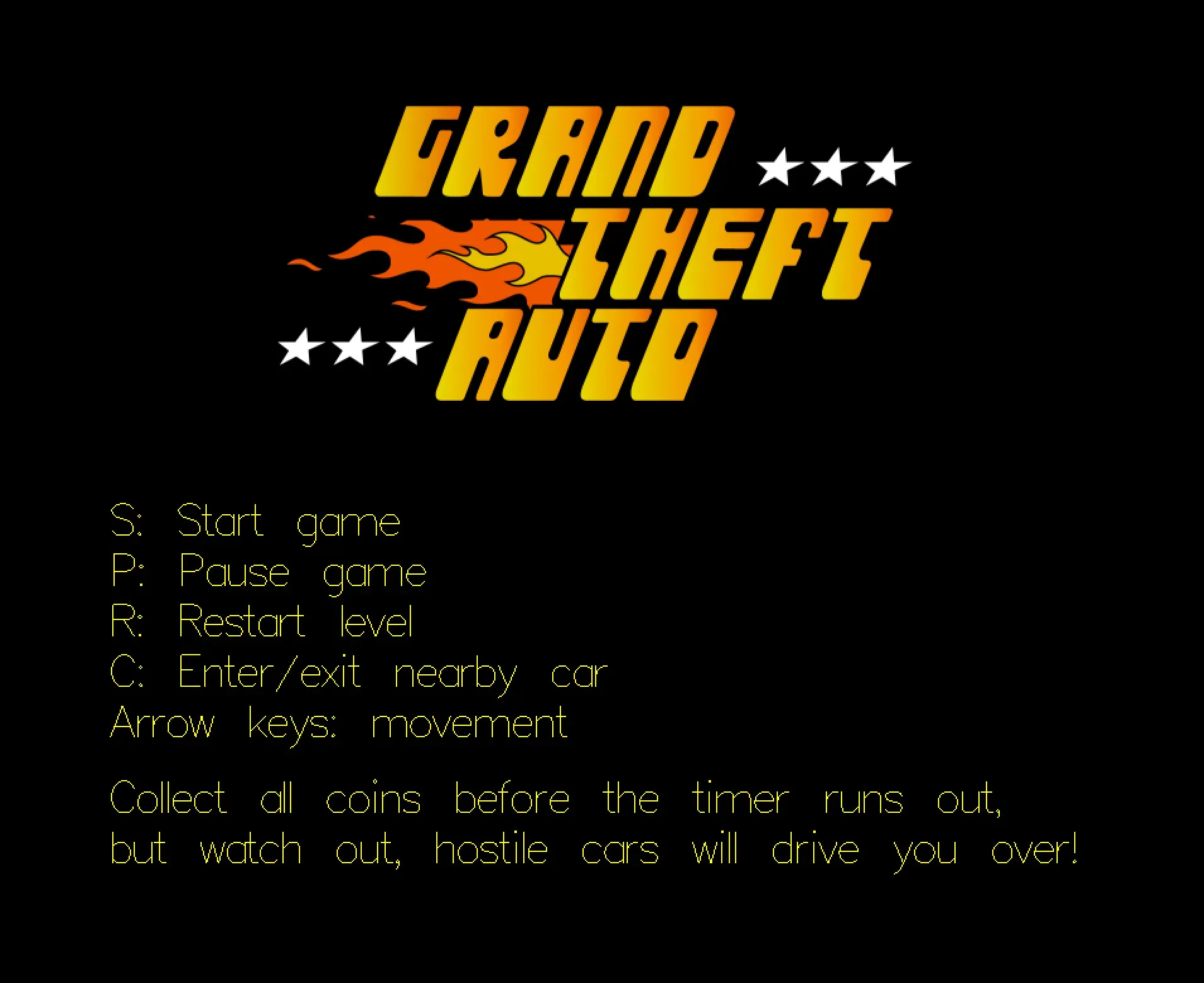
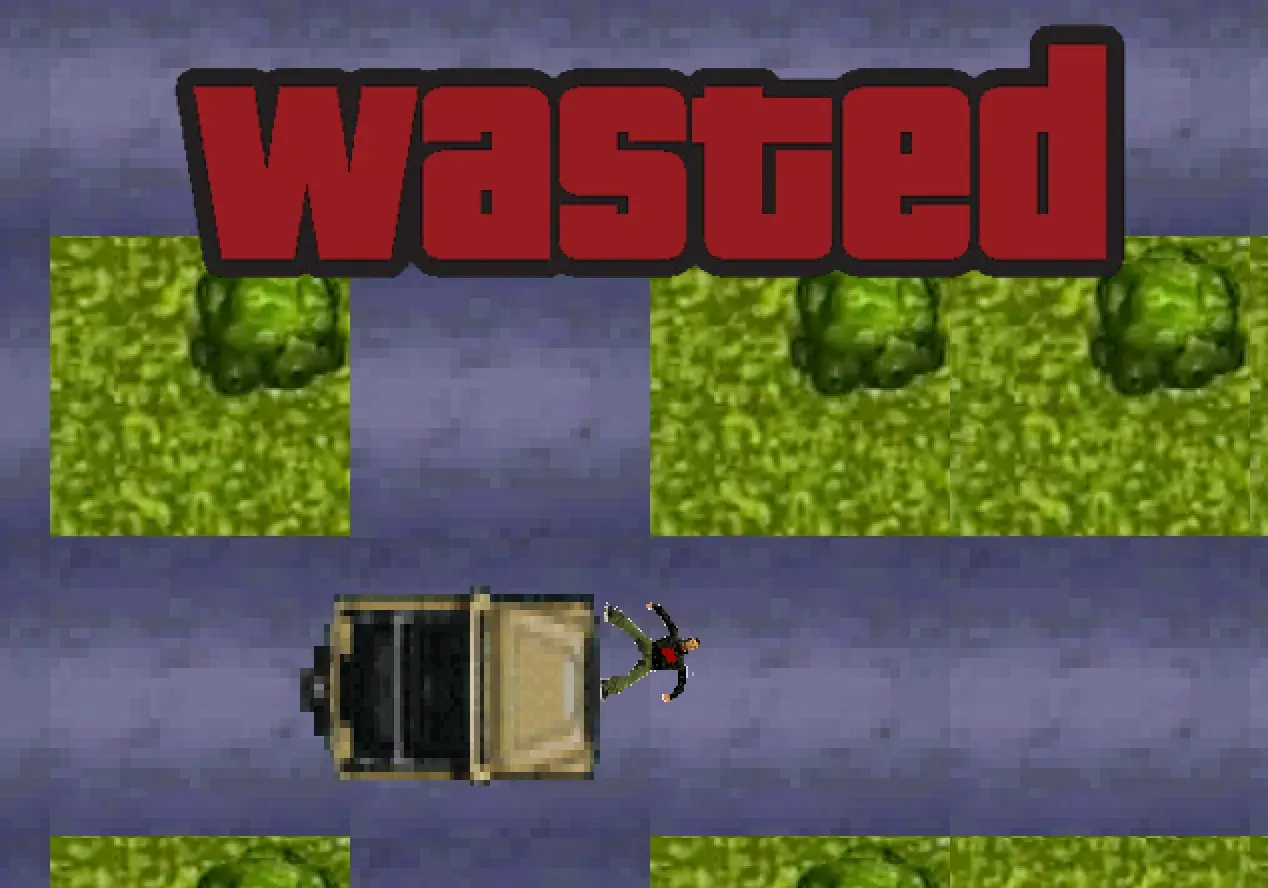
It’s a top-down remake of the first Grand Theft Auto. You start in a city with people walking on the sidewalks and cars driving on the roads, and you have two minutes to find ten coins. Every coin is worth $1, and so is every person you drive over, but if a car hits you while you’re on foot you’re dead. Dying or running out of time gets you the “wasted” screen, and picking up the last coin gets you “completed”.
You start with S on the start screen, P pauses and takes you back there, R restarts the level, C gets you in or out of a car next to you, and the arrow keys move you around.
From design document to final game
Our design document, design.tex from 19 October, had a lot more in it: guns, broken cars, random spawning and a highscore with a player name. None of that made it into the game. Cars and people start at fixed places in the world file and only their turns are random, and the coins and the countdown were added on 10 November.
The design also stored the direction as a Z coordinate on the position, which we replaced on 26 October with a Direction type (North | East | South | West) and the Movable class.
Everything turned out harder to build than we expected, so in the end a lot of features never saw daylight.
Game loop and state
The game uses Gloss 1.11 for the window, input and drawing, and Aeson for JSON. main is a single line:
main = playIO window black fps initialState render handleKeys updateplayIO runs a full-screen loop at 60 frames per second, in which render turns the state into a Picture, handleKeys deals with key presses and update moves everything one frame further. All three run in IO, because the world, the sprites and the highscore come from files.
All state is in one record, GTA, with the player, lists of cars, people and blocks, a GameState, the elapsed time, the time left, the highscore and a coin counter. GameState has seven constructors (Loading, Running, Paused, Init, Dead, GameOver and Completed), and only in Running does anything move. Loading reads the world from disk and then switches to Running.
Main has the loop and the update rules, Helpers has the collision code, and the Models modules each hold one record type, for the game, player, car, person and block, plus Models.Position with the shared types.
One class for everything on the map
Movable has getPos, setPos, getDir, setDir, width, height and getSprite, and Player, Car, Person and Block all implement it, so collision, movement and drawing only had to be written once.
draw builds a file name from the sprite, for example ./sprites/person1_2.bmp, and rotates and scales that bitmap to the object’s direction and size. Walking animations step through three sprites every quarter of a second. render scales the whole world by 5 and shifts it by minus the player’s position, which is how the camera follows the player.
Collision
canMove takes a count, an object and a list of blocks. It moves the object’s four corners one unit in the direction it’s facing, counts how many of them land inside a block, and allows the move when that count is reached.
So instead of looking for obstacles, the code checks whether an object stays on ground it’s allowed to be on. A car moves when all four corners stay on Road, and a person when all four stay on Sidewalk. With a count of 1 the same function detects contact, like a car touching the player or the player reaching a coin or a car.
Cars and pedestrians
Cars don’t do any pathfinding. Every frame, updateCar goes through a list of guards:
updateCar game rInt car@Car{velocity} = case velocity of
  0 -> (Running, car)
  1 | canMove 4 car walls'                                                     -> (Running, (changeDirR rInt car))
    | canMove 1 car cars'                                                      -> (Running, changeDir 2 car)
    | canMove 1 (player game) [car] && (playerState (player game) == Walking ) -> (Dead, car)
    | canMove 1 car [(player game)]                                            -> (Running, car)
    | canMove 4 car blocks'                                                    -> (Running, newCarPosition car)
    | otherwise                                                                -> (Running, (changeDir rInt car))
Parked cars have a velocity of 0. A driving car that’s fully on a Wall block, which is a car-sized block on the road that never gets drawn, turns left, right or goes straight on. When it hits another car it turns around, and when it hits the player on foot the game goes to Dead. Otherwise it just keeps driving, and at the end of the road it turns right, keeps going or turns around. randomNr draws one number from 0 to 2 per frame, and every car and person uses that same number.
People move half a unit per frame, only on sidewalks, and turn when something’s in front of them. Driving over someone sets their velocity to 0 and shows the dead sprite.
enterCar takes the car next to the player out of the list, and playerToCar gives the player that car’s sprite, size and direction. leaveCar puts a parked car back and places the player 35 units to the right.
The world file
readWorld decodes config/world.json into a GTAJSON record. The model types derive Generic, FromJSON and ToJSON, so the JSON keys are just the record field names. The world that comes with the game has 1,314 blocks, 28 people and 24 cars, 10 of which are driving.
We drew the map in Adobe Illustrator, exported it with Adobe-Export-Scripts and converted it with a small Ruby script, config/recalc.rb, which turns top-left corners into centre points, picks random sprite variants and reads a car’s direction from its layer name. A custom level is just another world.json with the same fields.
The highscore is a single number in config/highscore.txt, checked every 2.5 seconds of play. Haddock pages for every module are in docs/ and in documentation.pdf.
Building it today takes the compiler from back then: the cabal file pins base to 4.10, which only ships with GHC 8.2 from 2017, and gloss to 1.11. A newer GHC needs those version bounds loosened first.
Another Haskell project on this site is CoLa, a Haskell DSL for composing music.
Disclaimer: The above content and related documentation, papers, essays, code and other references, were created during a course of the MSc Computing Science. No rights can be derived from the content. Much work has been done in collaboration with other students. If there is any reference to your person in any way that you would like to see removed or to be named (more) explicitly, at any time, please let me know.